Snowflake Data Types: Practical Cheat Sheet, Aliases, and VARIANT Examples
One query cost $5K. Yours could be next - or you could see it coming.


Most Snowflake data type guides are dictionaries. They list the types and describe the syntax, but stop there. That is fine for orientation. It does not help an engineer who is staring at a slow query and wondering whether the VARCHAR/STRING mix in the DDL is causing it, or whether a VARIANT column that was supposed to be a “temporary landing zone” six months ago is now consuming warehouse credits.
This guide is for that engineer. It covers the aliases that actually matter, how to inspect live tables, where TYPEOF fits into debugging workflows, and, critically, how data type decisions connect to Snowflake cost.
Table of Contents
- TL;DR — Key Takeaways
- Snowflake Data Types Cheat Sheet
- Understanding Snowflake String Aliases
- Core Data Type Families That Matter in Real Projects
- Semi-Structured Types: VARIANT, OBJECT, and ARRAY
- How to Check Data Types in Snowflake
- Using TYPEOF on VARIANT Values
- How to Choose the Right Snowflake Data Type
- The Gap Between Schema Design and Snowflake Cost
- FAQ
TL;DR — Key Takeaways
- STRING, TEXT, NVARCHAR, NVARCHAR2, CHAR VARYING, and CHARACTER VARYING are all aliases for VARCHAR. There is no performance difference between them.
- Pick one naming convention for DDL and enforce it across the team. Mixed aliases create confusion where no technical difference exists.
- Use INFORMATION_SCHEMA.COLUMNS to inspect live column types. Use TYPEOF() to inspect the actual value stored inside a VARIANT column.
- VARIANT is the right call at landing time. It is a poor long-term choice for columns that appear repeatedly in joins, filters, and dashboards.
- Unmanaged VARIANT bloat is one of the most common causes of unexplained Snowflake spend growth. Standard query monitors will not catch it; cost attribution tooling will.

Snowflake Data Types Cheat Sheet
The table below maps each data type family to its aliases, a practical DDL example, and the use case it is built for.
| Family | Native Type | Common Aliases | DDL Example | Best For |
|---|---|---|---|---|
| Text | VARCHAR | STRING, TEXT, NVARCHAR, NVARCHAR2, CHAR VARYING, CHARACTER VARYING | name VARCHAR | Names, IDs, free-form values |
| Exact Numeric | NUMBER | INT, INTEGER, BIGINT, SMALLINT, DECIMAL, NUMERIC | count NUMBER(10,0) | Counts, primary keys, and financial figures |
| Approximate Numeric | FLOAT | DOUBLE, REAL, FLOAT4, FLOAT8 | temperature FLOAT | Scientific values, approximate math |
| Boolean | BOOLEAN | BOOL | is_active BOOLEAN | Binary flags, true/false states |
| Timestamp (no TZ) | TIMESTAMP_NTZ | DATETIME | event_time TIMESTAMP_NTZ | Warehouse-native event timestamps |
| Timestamp (with TZ) | TIMESTAMP_TZ | — | created_at TIMESTAMP_TZ | Cross-system timestamps requiring an offset |
| Timestamp (local TZ) | TIMESTAMP_LTZ | — | updated_at TIMESTAMP_LTZ | Session-timezone-aware values |
| Date | DATE | — | order_date DATE | Calendar dates without time |
| Semi-Structured | VARIANT | — | payload VARIANT | JSON payloads, dynamic schemas |
| Semi-Structured | OBJECT | — | metadata OBJECT | Named key-value pairs |
| Semi-Structured | ARRAY | — | tags ARRAY | Ordered lists |
| Binary | BINARY | VARBINARY | hash BINARY | Raw byte values |
For the full official reference, see Snowflake’s data type documentation.
Understanding Snowflake String Aliases
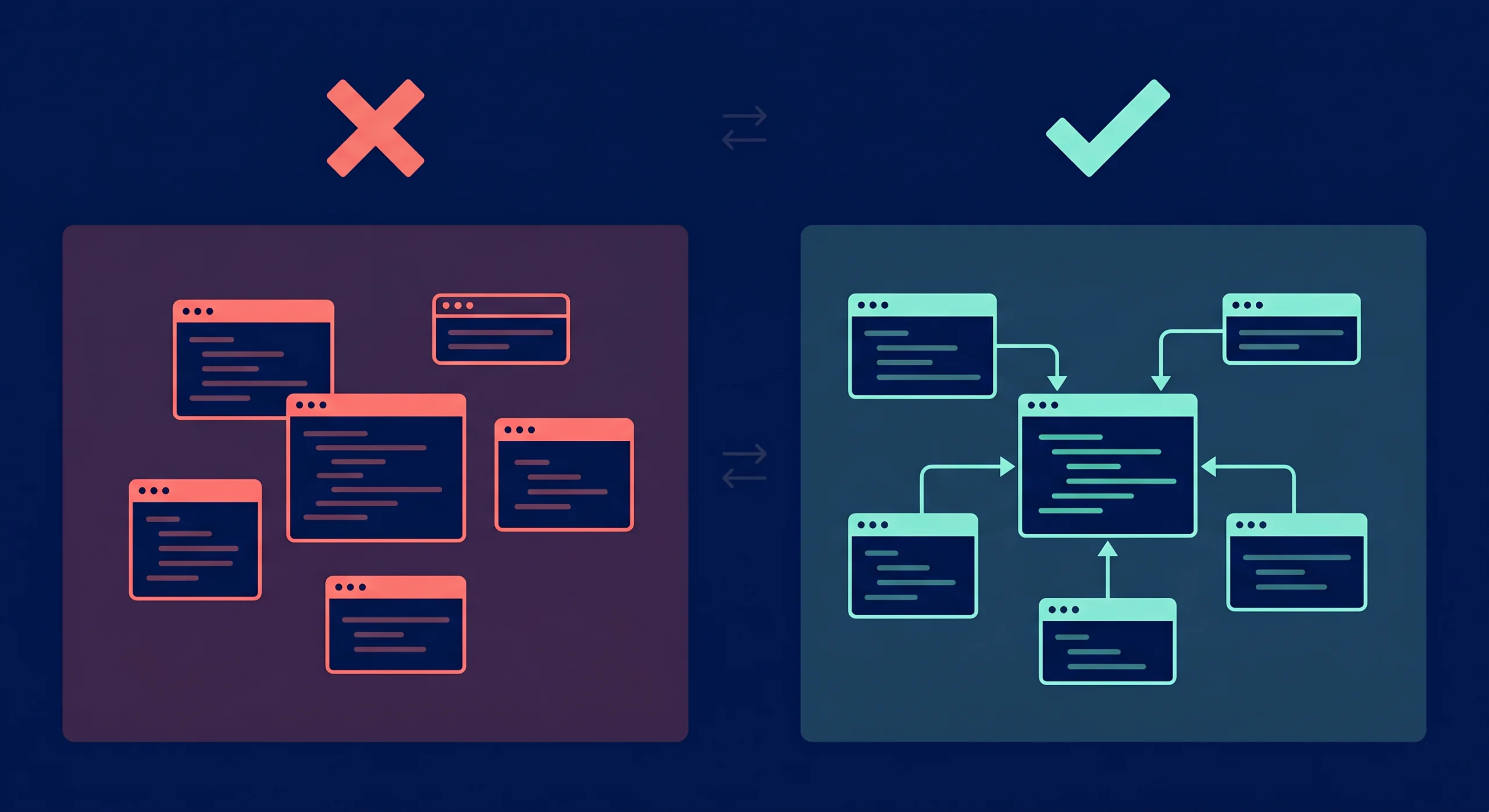
Teams land on this question when they inherit a codebase that uses VARCHAR in some tables, STRING in others, and TEXT in a third. The natural assumption is that someone made a deliberate modeling decision. Usually, they did not.
In Snowflake, STRING, TEXT, NVARCHAR, NVARCHAR2, CHAR VARYING, and CHARACTER VARYING all map to the same underlying type. Choosing STRING over VARCHAR does not change storage behavior, query execution speed, or column semantics. The only thing a mixed naming style does is create doubt in code reviews.
The practical solution is a team house rule, not a technical one. Most teams standardize on VARCHAR in DDL files and allow STRING in ad hoc SQL and discussions. What matters is picking one and sticking to it.
-- These four columns are identical to Snowflake
CREATE TABLE users (
 id VARCHAR,
 full_name STRING,
 email TEXT,
 username NVARCHAR
);
Snowflake stores all four as the same text family. The column names are the only difference.
Core Data Type Families That Matter in Real Projects
Production design work concentrates on five families. Here is how to think about each.
Text
Use VARCHAR. Standardize the alias. Max length defaults to 16,777,216 characters — Snowflake does not charge extra for unused length in a VARCHAR column, so padding is not a concern.
Exact Numeric
Use NUMBER(precision, scale) for anything financial. Floating-point types introduce rounding behavior that causes reconciliation headaches. If a column ever appears in a billing total or a regulatory report, it deserves exact numeric treatment.
Approximate Numeric
FLOAT and its aliases (DOUBLE, REAL) are appropriate for scientific measurements, analytics averages, and values where a fractional rounding error in the fifteenth decimal place does not matter.
Temporal
Timestamps become a source of cross-team confusion when teams mix TIMESTAMP_NTZ, TIMESTAMP_LTZ, and TIMESTAMP_TZ without a documented policy. The simplest rule: use TIMESTAMP_NTZ for warehouse-native event time (no timezone stored), and TIMESTAMP_TZ only when offset preservation across external systems is an explicit requirement.
Boolean
Use BOOLEAN for binary flags. Storing ‘yes’ and ‘no’ as VARCHAR is a pattern that resurfaces as a cast in every downstream query.
Teams that care about warehouse performance should also connect type choices to spending. Wide text columns, repeated casts on joins, and bloated semi-structured payloads drive heavier scan work, which translates directly into more Snowflake credits consumed per query run.
Semi-Structured Types: VARIANT, OBJECT, and ARRAY
VARIANT
VARIANT is Snowflake’s flexible container for semi-structured data. A single VARIANT column can hold strings, numbers, objects, arrays, or null — row by row.
-- A simple VARIANT landing table
CREATE TABLE raw_events (
event_id VARCHAR,
received_at TIMESTAMP_NTZ,
payload VARIANT
);
-- Insert a JSON payload directly
INSERT INTO raw_events
SELECT
UUID_STRING(),
CURRENT_TIMESTAMP(),
PARSE_JSON('{"user_id": 1001, "action": "checkout", "items": 3}');VARIANT is the right call when source payload shapes still change, when you need to move fast, or when you are building a landing zone before modeling decisions stabilize. It is not the right final answer for columns that show up repeatedly in joins, filters, and dashboards.
For more on Snowflake’s semi-structured types, see the official semi-structured data documentation.
OBJECT
OBJECT stores named key-value pairs. It often appears nested inside VARIANT columns from API payloads and event streams.
ARRAY
ARRAY stores ordered, indexed lists. Like OBJECT, it is common inside VARIANT data from application logs and streaming sources.
A practical rule: if the payload comes from a source you do not fully control yet, land it as VARIANT. Once your business logic stabilizes and the same five fields appear in every join and filter, cast those fields into typed columns in your serving model.
How to Check Data Types in Snowflake
The cleanest way to inspect live column types is INFORMATION_SCHEMA.COLUMNS.
-- Check all column types in a specific table
SELECT
column_name,
data_type,
character_maximum_length,
numeric_precision,
numeric_scale
FROM information_schema.columns
WHERE table_schema = 'ANALYTICS'
AND table_name = 'ORDERS'
ORDER BY ordinal_position;
The data_type field returns the canonical Snowflake type — TEXT for any VARCHAR alias, FIXED for exact numerics, REAL for floats. It settles modeling arguments with evidence rather than memory.
For account-wide audits — useful during cost reviews or migration work — pair the query with schema and database filters to avoid pulling noise from every environment in the account.
-- Account-wide type audit filtered to a specific database
SELECT
table_catalog,
table_schema,
table_name,
column_name,
data_type
FROM snowflake.account_usage.columns
WHERE table_catalog = 'PROD_DB'
AND data_type = 'VARIANT'
ORDER BY table_schema, table_name;
That second query is particularly useful for tracking VARIANT spread across a warehouse — a precursor to the cost problems described in the next section.
Using TYPEOF on VARIANT Values
INFORMATION_SCHEMA.COLUMNS tells you the declared column type. It does not tell you what is actually stored inside a VARIANT column at the row level. That is where TYPEOF() comes in.
A VARIANT column can contain a string in one row, an array in the next, and an object in a third. TYPEOF() inspects the value rather than the schema.
-- Inspect the actual type of values stored in a VARIANT column
SELECT
event_id,
TYPEOF(payload) AS payload_type,
TYPEOF(payload:user_id) AS user_id_type,
TYPEOF(payload:items) AS items_type
FROM raw_events
LIMIT 20;
Typical return values include VARCHAR, ARRAY, OBJECT, BOOLEAN, and DECIMAL. Snowflake’s TYPEOF documentation notes that an integer-looking value can still return DECIMAL depending on how the value was stored and presented — worth knowing during contract debugging and ingestion audits.
TYPEOF() is most valuable when a source system stops behaving as promised. If a column that was always VARCHAR starts returning ARRAY, that pattern surfaces early in ingestion monitoring before it breaks downstream models.
How to Choose the Right Snowflake Data Type: A Step-by-Step Guide
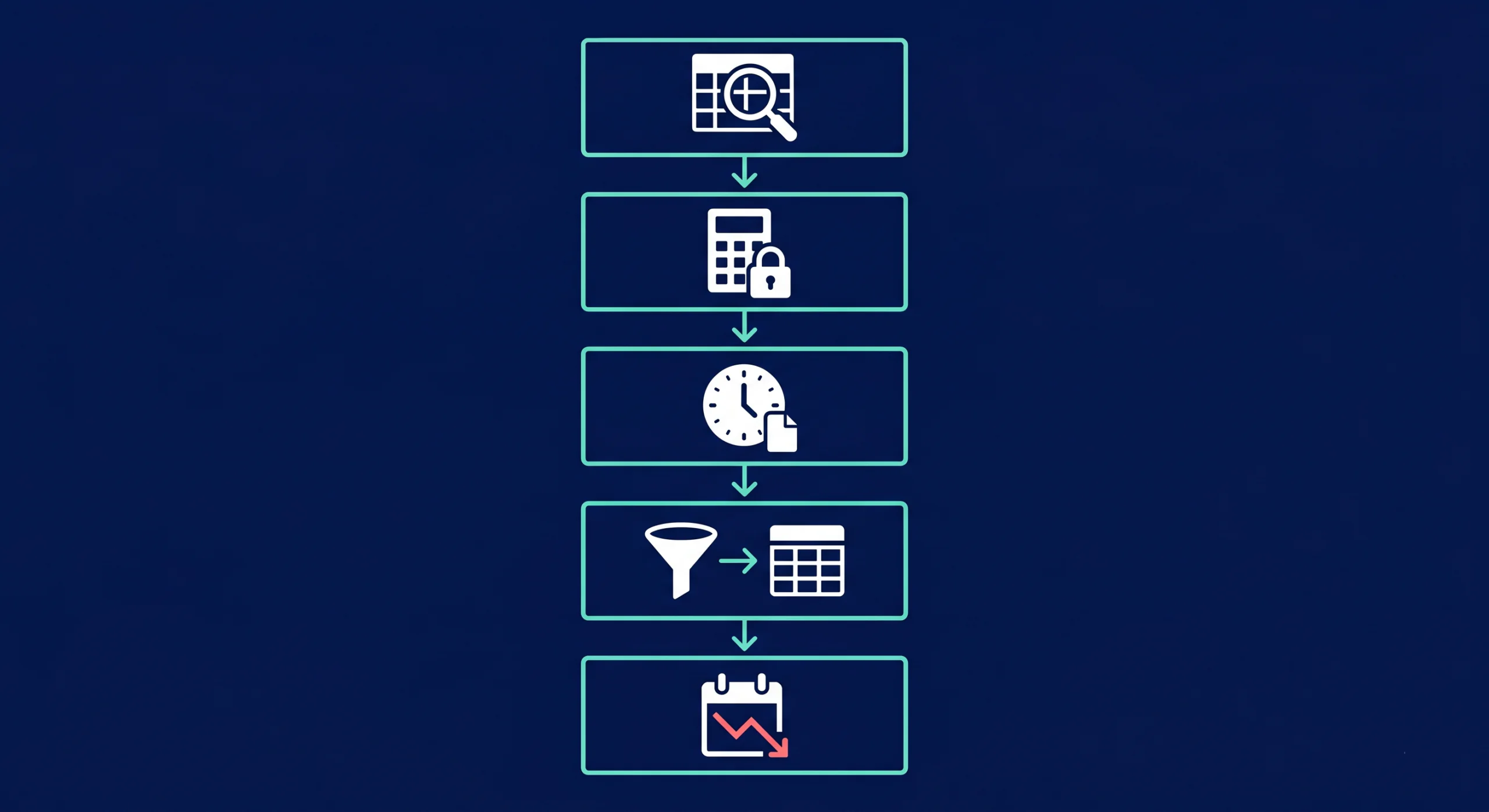
Step 1: Start with query behavior, not source shape
A source API can send everything as JSON strings. That does not mean the warehouse model should store everything as semi-structured forever. Pick types based on the filters, joins, and aggregations the downstream team will actually run.
Step 2: Lock exact math early
Money, inventory counts, billing units, and quota tracking deserve exact numeric types. Fixing approximate math after dashboards have shipped requires rebuilding trust as well as the model.
Step 3: Make a timestamp decision and write it down
Pick a default timestamp type for warehouse models and document it. Teams that mix timezone-aware and timezone-free types without a policy create pain for every analyst and BI tool that consumes the data.
Step 4: Use VARIANT as a landing zone, not a permanent model
VARIANT handles intake. Serving models benefit from typed columns for any field that appears in joins, filters, charts, and metrics. Cast early, not under pressure.
Step 5: Review type choices during cost reviews
Type sprawl shows up in warehouse bills before it shows up in incident reports. Repeated casts, heavy scan patterns on wide text columns, and VARIANT-heavy serving models are all cost signals worth catching in a regular optimization cycle — not during a quarterly budget conversation.
The Gap Between Schema Design and Snowflake Cost
The most expensive pattern in Snowflake data type management is not a wrong alias. It is VARIANT used as a permanent serving layer. Teams land raw payloads, plan to clean them later, and then build the downstream warehouse around repeated path extractions and implicit casts. Queries grow heavier month by month. Storage grows. Ownership gets unclear.
Standard query performance tools can confirm that a query is slow. They do not connect that slowness to a VARIANT-heavy design pattern, attribute the cost to a specific team or pipeline, or show the cumulative spend trend over time. That visibility requires cost attribution across the full data stack.
Seemore surfaces exactly that: how much a given data design decision costs in Snowflake compute and storage, which pipelines are driving it, and what the fastest path to resolution looks like. It is not a replacement for the type decisions above. It is what makes those decisions visible at scale.
Frequently asked questions
Is STRING an alias for VARCHAR in Snowflake?
Yes. Snowflake treats STRING, TEXT, NVARCHAR, NVARCHAR2, CHAR VARYING, and CHARACTER VARYING as aliases for VARCHAR. They share the same storage, speed, and column behavior. The only meaningful difference is naming consistency within a team’s DDL standards.
Is there any performance difference between VARCHAR and TEXT in Snowflake?
No. Choosing TEXT over VARCHAR does not affect storage usage, scan speed, or query execution. The benefit of picking one over the other is purely about team consistency and reducing unnecessary decision-making during code review.
How do I check a column's data type in Snowflake?
Query INFORMATION_SCHEMA.COLUMNS and filter by table_schema and table_name. The data_type field returns the canonical stored type for each column. For account-wide audits, use SNOWFLAKE.ACCOUNT_USAGE.COLUMNS with database and schema filters.
What does TYPEOF return for a VARIANT value?
TYPEOF() returns the type of the value stored inside a VARIANT column at the row level — common return values include VARCHAR, ARRAY, OBJECT, BOOLEAN, and DECIMAL. It is the right tool when a single column stores mixed payload shapes or when source system behavior needs to be audited during ingestion debugging.
When should I keep data in VARIANT instead of casting it to typed columns?
Use VARIANT during landing and when payload shapes are still changing often. Once the same fields appear reliably in joins, filters, and dashboards, cast them into typed columns in serving models. Typed serving models are cheaper to scan, easier to govern, and cleaner to hand off between teams.
How do data type choices affect Snowflake cost?
Bloated VARIANT usage, repeated casts in queries, and oversized text columns all drive heavier scan work — which means more Snowflake credits consumed per query. Type cleanup is one of the most predictable levers for reducing compute spend, particularly in warehouses that have grown organically over time without regular modeling audits.