< blog
2 min read

Exploring the Seemore Data Main Dashboard

In this Loom, we walk through Seemore’s main dashboard—the control center for understanding your Snowflake environment. You’ll see how usage, cost, and performance data come together in one view, making it easy to spot inefficiencies, track trends, and drill into problem areas. Whether you’re managing budgets or debugging a costly pipeline, this dashboard gives you the clarity to act fast and optimize with confidence.

Save Big in 30 min

Ready to take the plunge? Hop on a 30 minute demo to see how much you can save in the first 30 days with Seemore.

Oink a demo
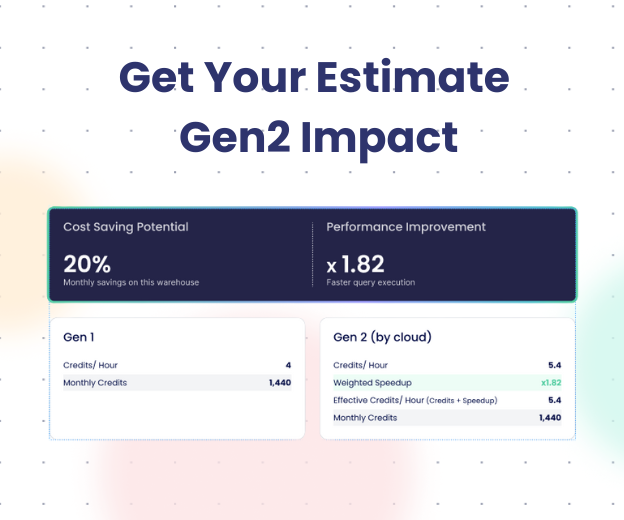
Should you migrate to Gen2?
Four-phase diagram illustrating the Snowflake data type optimization journey, from alias unification to cost reduction.
9 min read

Snowflake Data Types: Practical Cheat Sheet, Aliases, and VARIANT Examples

8 min read

A Practical Guide to Eliminating Cost Spikes: Five Actionable Tips to Cutting Your Data Stack Bills

Dashboard view of Seemore Data’s Role-Based Access Control (RBAC) settings showing a list of users, roles, teams, and access status within the platform’s interface.
5 min read

Mastering Access Control: RBAC and Asset Management in Seemore Data Platform

Cool, now
what can you DO with this?

data ROI