The Question Every Cost-Saving Automation Has to Answer: “But Did It Hurt Performance?”


Every team that turns on a cost automation asks some version of the same question first, even if they never say it out loud: will this come back to bite us? Suspending idle warehouses sounds great until the one time someone needed it and it wasn’t there. Scaling down a multi-cluster warehouse sounds efficient until it means a report someone was waiting on took ten minutes longer than it used to.
That hesitation isn’t paranoia. It’s the correct instinct. Cost and performance have always pulled in opposite directions, and any tool that claims to save you money without saying a word about performance is asking for blind trust it hasn’t earned. We think the honest answer isn’t “trust us.” It’s “here, watch.”
Savings and performance were never actually separate problems
There’s a version of cost management that treats performance as someone else’s department. Finance cares about the bill. Engineering cares about whether the dashboard loads. In that framing, a cost automation is a negotiation between two teams with opposite incentives, and every optimization gets treated with suspicion by the side that isn’t asking for it.
We don’t think that framing holds up. A warehouse that’s oversized is wasting money, full stop, but a warehouse that’s undersized right when it’s needed is wasting something more expensive: trust, time, and eventually, patience with the whole idea of automation. The real goal was never “cheaper.” It was “exactly as much warehouse as the moment actually needs, no more and no less.” That’s a performance goal and a cost goal at the same time, not two goals in tension.
This is really what Seemore’s core automations are built around. SmartPulse resizes each warehouse hourly based on its own historical usage, so you’re not paying for capacity nobody’s using. Auto-Shutdown suspends a warehouse the moment it genuinely goes idle, instead of letting it sit there billing for nothing. Auto-Scaler does the equivalent for multi-cluster warehouses, scaling clusters in as load actually drops. None of them are guesswork; they’re all reacting to what a warehouse is doing, not applying a blanket rule.
What “trust us” actually needs to look like
Here’s where most cost tools fall short, not because their automation is bad, but because they ask you to take it on faith. You turn on auto-suspend, or a scale-in policy, and then what? You wait and hope nobody complains. If a warehouse does get slow, you have no easy way to know whether it was the automation’s fault or just a busy Tuesday.
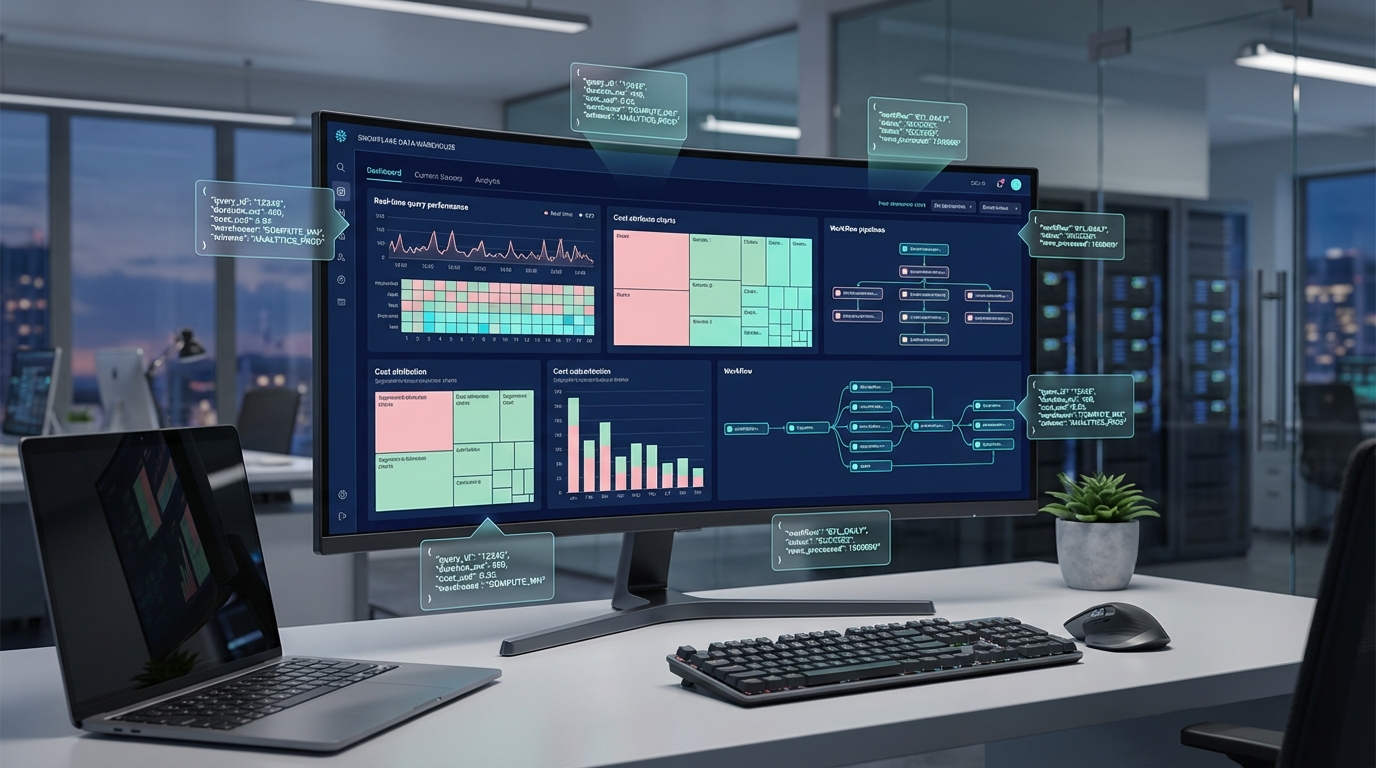
That gap between “we turned it on” and “we can see it’s working” is exactly what Real Time Monitoring closes. Every warehouse’s live tile shows you its actual current state, right now: whether it’s running, queued, or under real pressure, alongside exactly which automations are active on it. You’re not being asked to believe SmartPulse or Auto-Scaler is doing the right thing. You’re watching it happen, warehouse by warehouse, in real time.
The alert that proves the point, not just the problem
This is where it gets genuinely useful instead of just reassuring. Real Time Monitoring doesn’t only show you the calm state where everything’s fine, it also watches for the moment things actually strain: a queue building up, a multi-cluster warehouse pinned at its ceiling. If a cost automation ever did cause a real performance problem, this is exactly the mechanism that would catch it, immediately, not three weeks later in a postmortem.
And because the same screen shows you both sides, you get an honest answer instead of a hopeful one. Either the automation is doing its job and the warehouse is fine, and you can see that. Or something’s genuinely under pressure, and you get an alert about it within minutes, not after someone downstream has already noticed. Either way, you’re not guessing.
It’s worth saying that this live, in-the-moment view is only one layer of how Seemore keeps an eye on cost and performance metrics. We also give you broader observability into spend over time and flag cost anomalies when something deviates from your account’s normal pattern, so the daily and weekly picture is covered too, not just the current instant.
When there really is a spike, you’re not left standing there
Sometimes the strain is real: an unplanned burst of queries, a one-off job that needed more than usual, right when you needed the warehouse to hold. That’s exactly the scenario Burst Protector exists for, absorbing a sudden spike in load automatically so it doesn’t turn into a performance incident, without undoing the savings SmartPulse already built in. And if a moment calls for a deliberate, temporary change instead, an unusually heavy end-of-quarter run, say, Live Tuning lets you override a warehouse’s configuration on the spot, for exactly as long as you need, then it reverts on its own. Between the two, an unusual spike has an answer whether it’s something Seemore should just handle, or something you want to decide on yourself.
Confidence isn’t the absence of a problem, it’s knowing you’d catch one
We’d argue the actual goal of all of this was never “never have a performance issue.” Warehouses will occasionally strain, load will occasionally spike, that’s just how systems under real usage behave. The goal was always: know about it immediately, know exactly which warehouse and why, and know whether your automation had anything to do with it.
That’s the case for pairing cost automation with real-time visibility instead of treating them as separate purchases. One saves you money. The other is what lets you actually believe the first one is safe to run.
Frequently asked questions
Does turning on cost automations like SmartPulse or Auto-Scaler risk hurting performance?
Any automation that resizes or suspends warehouses carries that risk in theory, which is exactly why visibility matters. SmartPulse, Auto-Shutdown, and Auto-Scaler all size and suspend warehouses based on their own real usage rather than a blanket rule, and Real Time Monitoring shows you each warehouse’s actual live state, so you can confirm performance stays healthy rather than just hoping it does.
How can I tell if an automation is actually doing anything?
Each warehouse’s tile in Real Time Monitoring shows exactly which automations are active on it right now. A fleet-wide count also shows how much of your environment is covered, so adoption isn’t a guess.
What happens if a warehouse does start struggling?
Real Time Monitoring’s alerts watch for the moments that actually matter: a queue building up, a queue-to-running ratio climbing, or a multi-cluster warehouse maxed out on clusters. You get notified within minutes, with the exact warehouse and what triggered it. From there, you can decide how to respond, and if it calls for a deliberate change rather than waiting on automation, Live Tuning lets you temporarily override that warehouse’s configuration on the spot, then it reverts on its own once you no longer need it.
Are these alerts about cost or about performance?
Real Time Monitoring alerts are about performance. They react to live load, not daily spend patterns. Seemore’s cost anomaly detection is the complementary piece, watching your spend over time for patterns that deviate from normal, so together you get both the moment-to-moment and the longer-term picture.
Do I need to watch this constantly for it to be useful?
No. The alerts exist specifically so you don’t have to. You set a rule once, and it notifies you, wherever your team already works, only when a real, sustained issue shows up.
What happens if there's a genuine, unplanned spike in load?
Burst Protector can absorb a sudden spike automatically, without undoing the savings your other automations already built in. If it’s a spike you’d rather handle deliberately yourself, Live Tuning lets you temporarily override a warehouse’s configuration for exactly as long as you need, then it reverts on its own.